


If you’ve ever had to clean up audio for air, you know the moment.
Everything’s rolling, the content is great…
and then someone drops a word you can’t use.
Now what?
You can’t ignore it.
You can’t air it.
And fixing it usually means stopping everything and opening another tool.
The Old Way
Traditionally, bleeping audio is a hassle:
- Find the exact word in your DAW/audio editor
- Zoom in
- Cut or mute
- Drop in a tone
- Hope you didn’t clip too much (or too little)
It works—but it’s slow, and it breaks your workflow.
The NevenScribe Way
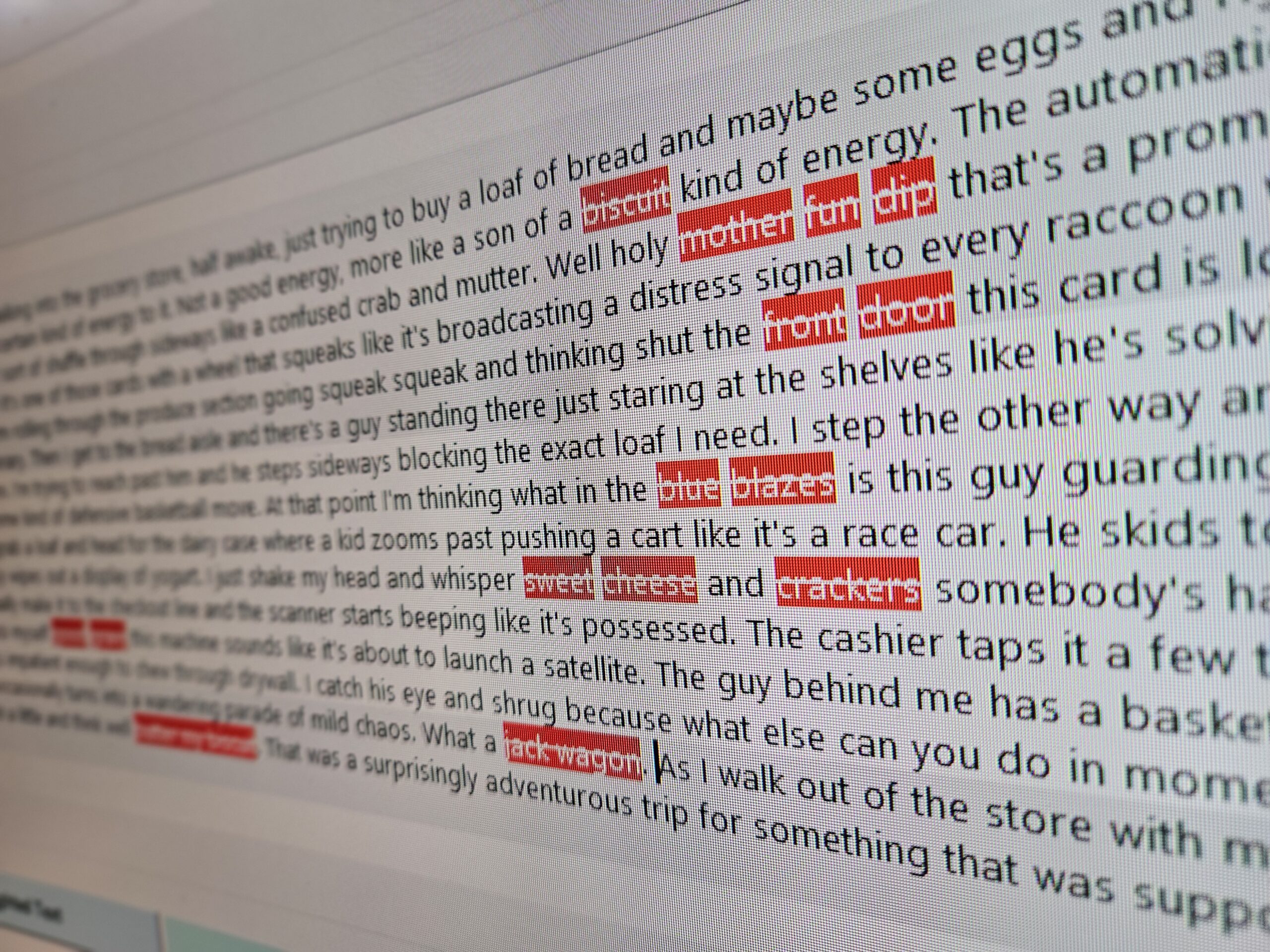
With NevenScribe, you’re already working inside the transcript.
So instead of hunting through a waveform, you just:
- Find the word in the text
- Select it
- Apply a bleep by pressing F5, or using the right-click menu
And that’s it. The profanity is replaced completely by a tone (or silence, if you choose).
Because the transcript is tied directly to the audio, the timing is already handled for you.
No guesswork. No precision editing. No jumping between programs.
Why This Matters
When you’re producing content—especially on a deadline—you don’t want to:
- Open another app
- Re-export files
- Rebuild your clip
You just want to fix the problem and move on.
Bleeping becomes a quick correction, not a separate task.
Built for Real Situations
This isn’t about novelty—it’s about real use:
- Radio clips that need to be air-safe
- Podcast segments that need quick cleanup
- Social media clips where one word can kill the whole post
Instead of losing the clip, you fix it in seconds and keep going.