About NevenScribe
Built for Real-World Broadcasting Work
NevenScribe wasn’t created in a lab—it was built out of necessity.
After years in radio and media, I kept running into the same problem: too much time spent digging through audio, pulling clips, and cleaning up sound for broadcast. The tools available were either too slow, too complicated, or simply weren’t designed for the pace of real production work.
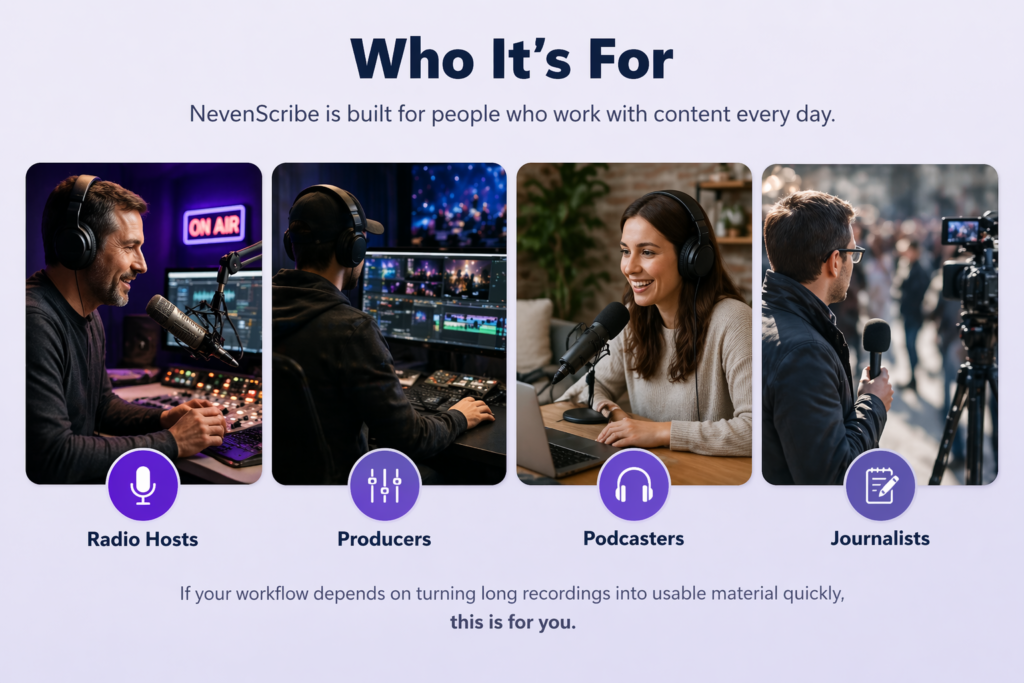
NevenScribe is the solution I created. It’s designed for people who work with audio and video every day—radio hosts, producers, podcasters, and journalists—who need to move quickly without sacrificing control.
Everything about it is built around speed and clarity: find what matters, clip it cleanly, and get it ready for use without unnecessary steps. It’s not trying to reinvent your workflow—it’s built to fit into it.
Where Most of the Time Gets Lost
Recording content is easy. Using it effectively is not.
In day-to-day production, the real bottleneck isn’t capturing audio—it’s everything that happens afterward. Finding a specific quote, verifying timing, pulling a clean clip, and preparing it for use all take time, and those steps tend to break the flow of the work.
When that process is slow, good material often gets overlooked or abandoned simply because it’s not worth the effort to track it down and shape it.
This is the part of the workflow that needed improvement.
A More Direct Way to Work
NevenScribe is built around a simple idea: the transcript should be usable, not just readable.
Instead of treating text and audio as separate things, the system connects them in a way that allows you to move through content quickly and act on it immediately. You’re not jumping between tools or guessing at timestamps—you’re working directly from what was said.
That shift changes the workflow. What used to take several steps becomes a single action, and the process stays focused instead of fragmented.
The way it works
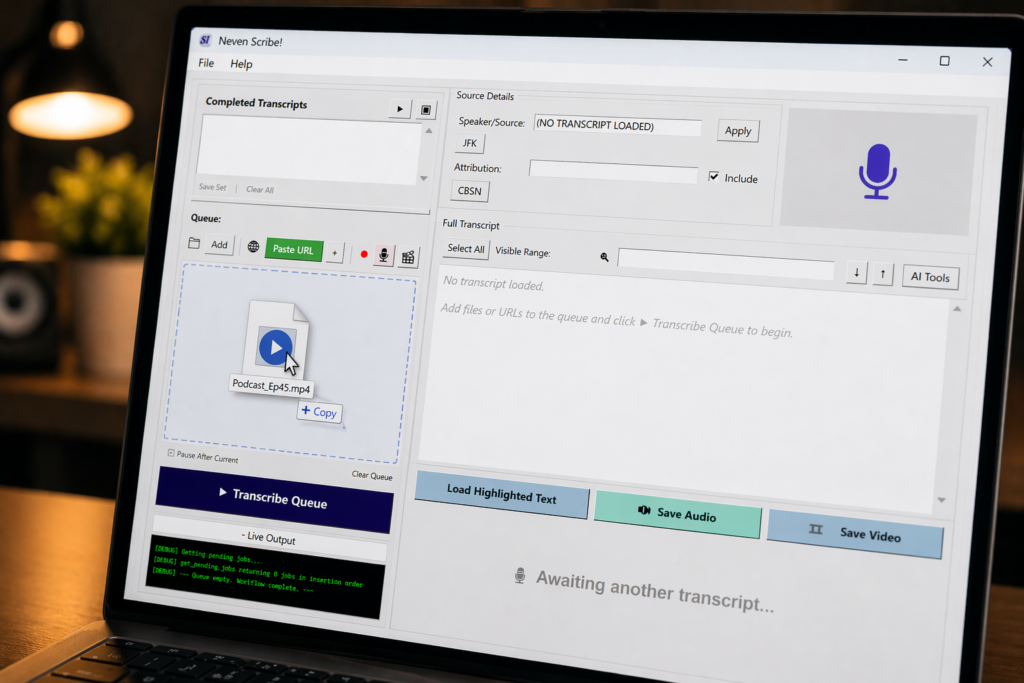
1- Input your audio into the queue. (drag & drop a local file, copy & paste video URLs, or directly record audio/video into the software.)
2- Begin queue transcription with a single click.
3- Once your first transcription is ready, you can begin selecting text and exporting broadcast-ready clips, either audio or video or both.
There’s no cumbersome audio waveform scrubbing. The transcription is searchable. Find your desired clip instantly.
Select it. Export it. It’s that simple.
It doesn't stop there
Once your clips are saved into your chosen folder, they can be sent instantly to others via email or FTP.
Transcripts can be processed through *AI prompts — easily generating podcast episode descriptions, content summaries, AI image generation prompts, key quotes or bullet points. You can identify the most critical, viral moments from the transcribed audio. (*User must supply AI API access using Gemini or OpenAI.)
Optional audio normalization (-3dB or -6dB) will ensure your clips are ready to use, without further gain adjustments.
Organize clips according to single-click categories (i.e. bloopers, endorsements, interviews, actualities, etc.)